Delete a Device
To delete a Member's device registration:
-
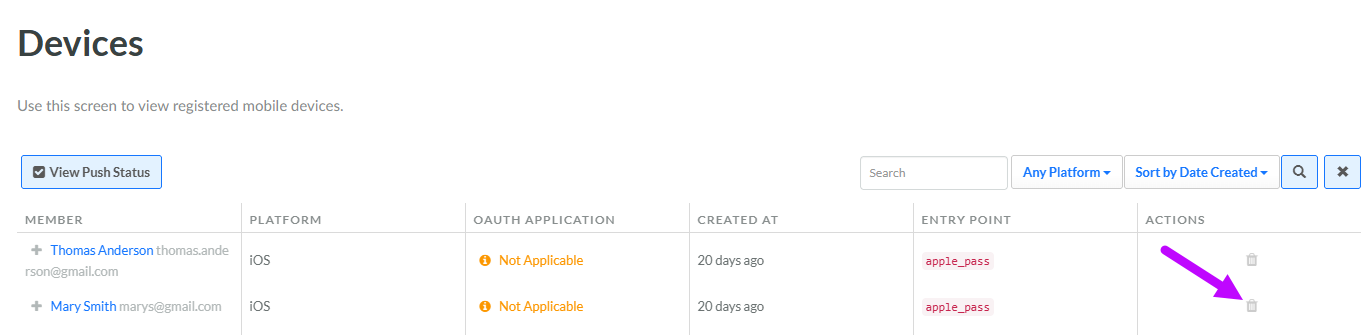
Select Admin from the top navigation bar, then select Access > Devices from the side navigation menu. The Devices screen is displayed.
-
Optionally, search for the desired Device (see Search for a Device for more information on the available search options).
-
Next to the desired Device, click the Delete icon. A confirmation dialog box is displayed; click Confirm.